The whole appointment, from booking to receipt
Practice management software for dental clinics. Booking by chair, practitioner or both, patient records, a dental and gum chart, intake forms, imaging and billing, in one system instead of four. Patients book online from your own practice website.
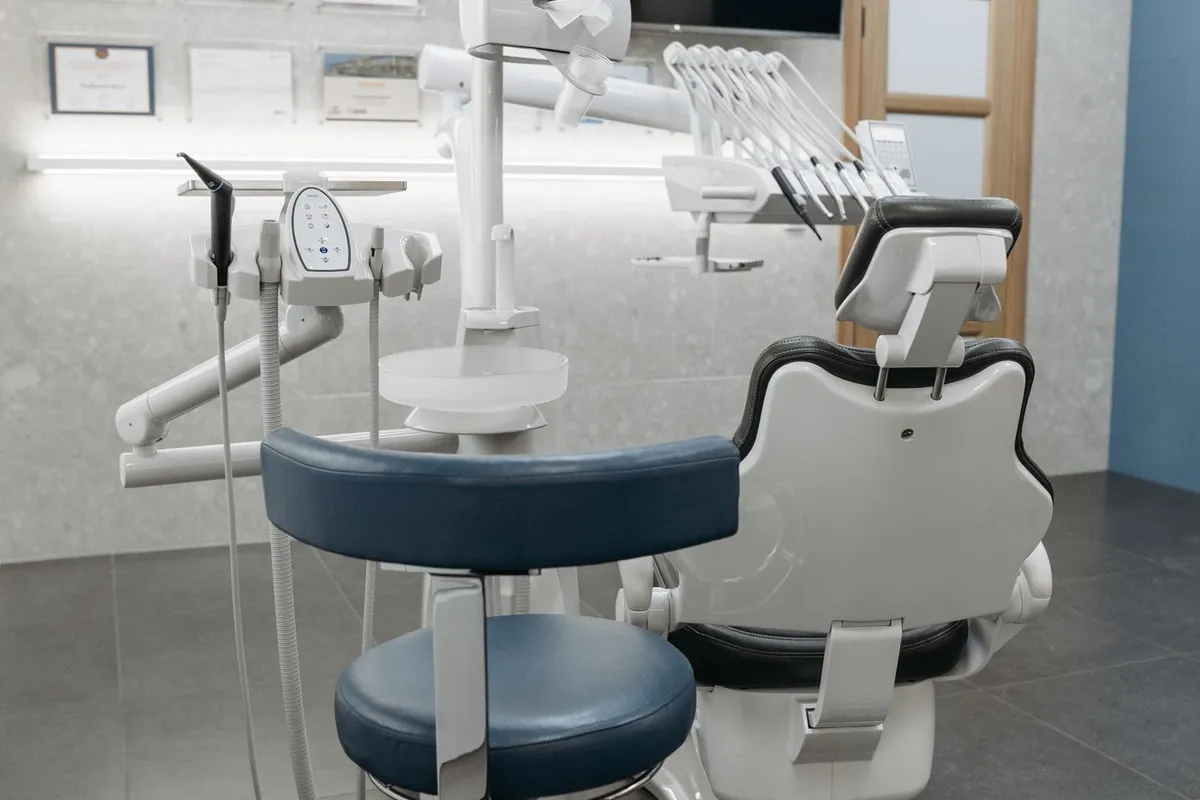
The shape of an appointment
Book an appointment
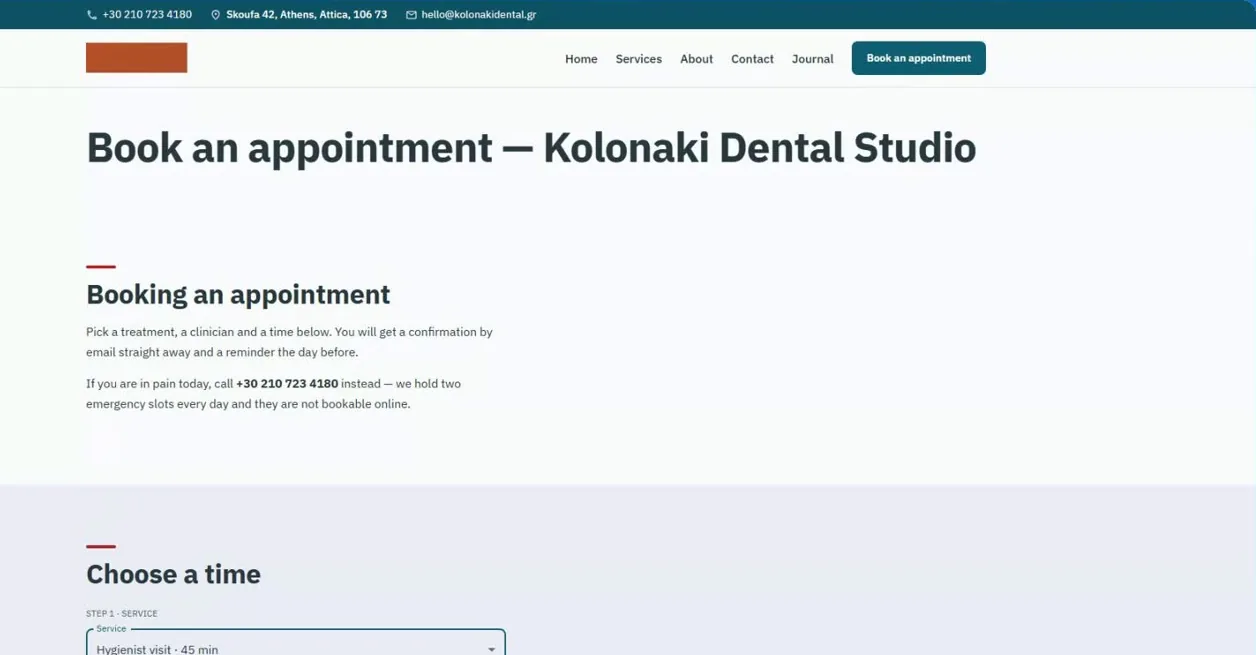
Patients book online from your practice website, or call and your reception books them into a chair. On Complete, the phone assistant, available on request, answers the calls you miss and books into your free times. Online bookings arrive as requests for you to confirm.
Complete the intake form
They fill in and sign an intake or consent form from a link that expires, before they sit down.
Write the clinical note
Each visit's note goes on the patient's record, so their whole clinical history is in one place, alongside their chart, files and forms.
Chart the teeth and gums
Findings and treatment go on an FDI dental chart, surface by surface, as existing, planned or completed. A gum chart records pocket depths and compares them with the last exam.
Attach X-rays and 3D scans
X-rays, photos and STL scans attach to the patient record. Keep each stage as a dated set, initial, progress, retention and final, with the ten standard views, and compare before and after side by side. On Complete, STL models also open in a 3D viewer inside the app.
Charge from your service list
The treatment is charged from your service list (tax added if it applies). Record the payment and issue a receipt to print or email.
Ready to use on day one
Day one
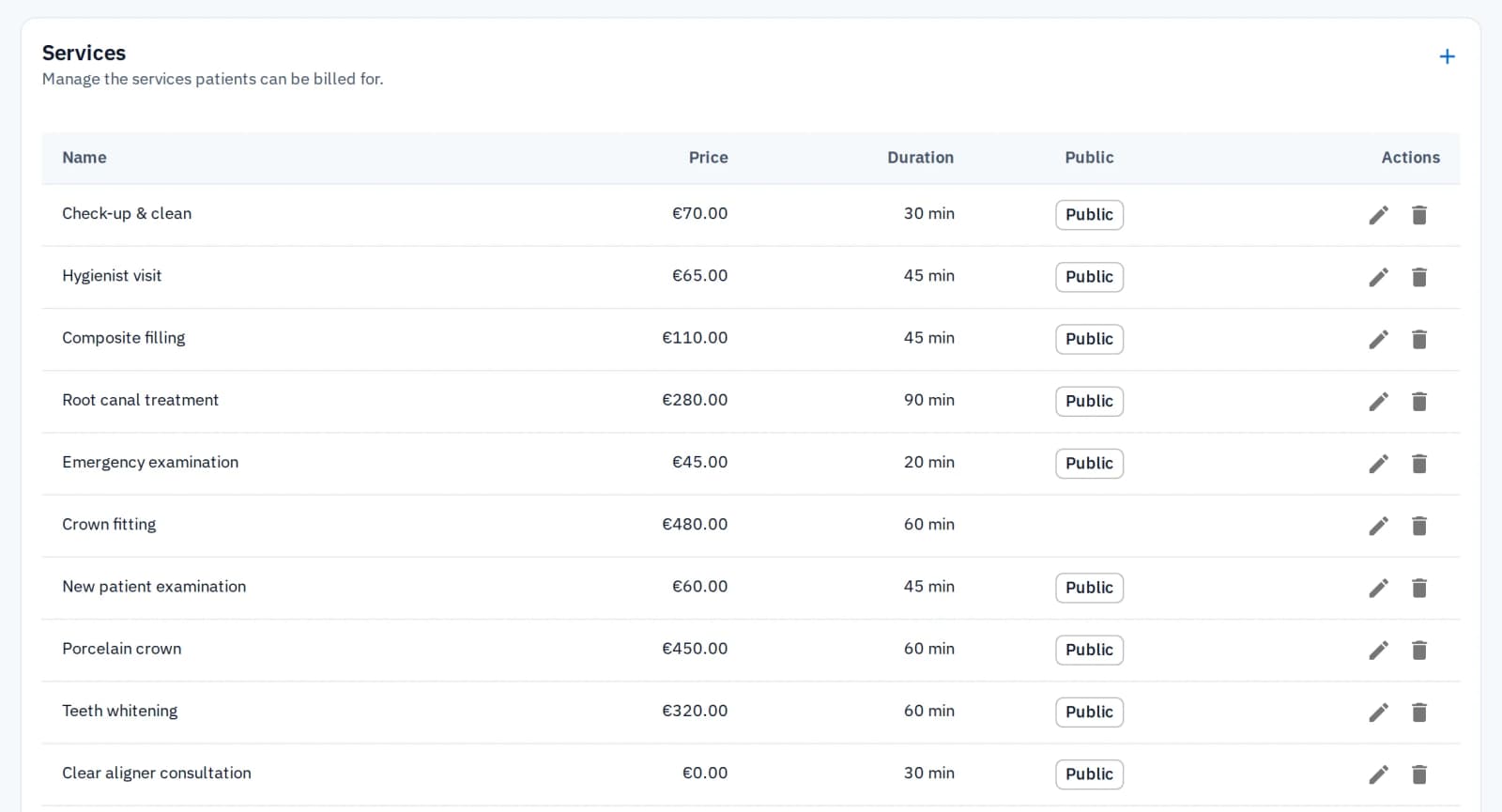
Start with your treatments, not a blank list
The screens say patients and chairs, the words your practice already uses. A new practice starts with a dental service catalogue and an intake form already filled in, so setup means adjusting prices, not typing them.
Check-up, cleaning, filling, root canal, crown and more, each with price and duration
An intake form with medical history, reminder consent and a signature
The owner can change, add or remove any service or form question at any time
Reminders
Fewer empty chairs
Patients book from your own practice website and get a reminder before the visit, by email, text message or both, as each patient chose.
Email reminders are free on every plan
SMS reminders draw on your plan's credits
Your data
Leave whenever you like, keep your access to everything
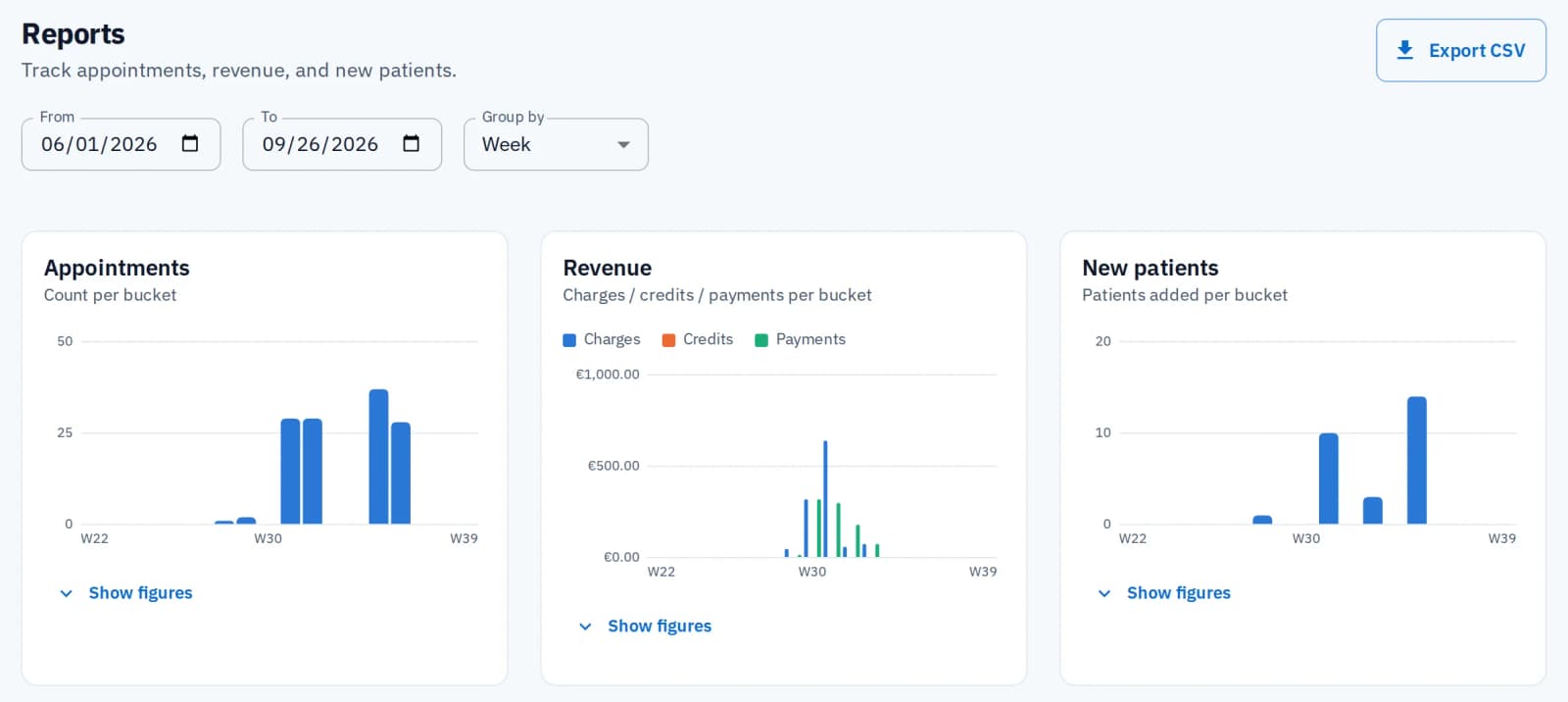
If you cancel, your account becomes read-only at the end of the period you paid for, for as long as you need it. The practice owner can export your patient list, reports and activity log to CSV, and every file downloads at any time. No export fee and no waiting period.
Clear prices. Protected records.
Every price is public
No quote and no sales call. Reception and admin seats are free.
Everyone signs in as themselves
Each person has their own login, with a fingerprint or face login if they want one. There is no shared practice password to leak.
Every change is logged
See who changed something, what they changed and when. The only changes not logged are your practice settings, your HyperCRM plan and each person's own sign-in details.
Common questions
HyperCRM is paid software. Every practice starts with a 30-day free trial of the Complete plan, with no card needed. After that, Essential starts at €19 a month and Complete at €34, VAT included. The price depends on how many practitioners you have. Every price is on the pricing page, so you never need a sales call.
Patient records are encrypted, both where they are stored and on their way to your screen. Files are private, and a link to one stops working after a short time. Changes to patient records are recorded, with who made them and when. There is no shared practice password: everyone has their own account. On the Complete plan, the practice owner can also require two-step sign-in for the whole team.
Yes. Each patient has a dental chart with FDI numbering, adult, baby or mixed teeth, and five surfaces per tooth. Work is charted as existing, planned or completed, and each tooth keeps a dated history of who charted what. A gum chart records six sites per tooth and compares an exam with an earlier one. Both charts come with every plan, in Greek and English.
Yes. X-rays, clinical photos and STL scans attach to the patient record on every plan, and orthodontic records keep their stages as dated sets with the ten standard views, which you can compare before and after. On Complete, STL scans open in an in-app 3D viewer. On Essential you can still download the file. Every file is stored privately and served only through short-lived signed links.
Yes, at no extra charge and with no limit on how many. Each location has its own address, phone, email and opening hours. A chair can belong to one, and a chair with none is not offered online. Patients choose a location when they book online or through the phone assistant, your website lists every location, and their emails say where to go. Your calendar can show one location at a time.
Related reading

Practice software in Greece: what to check before you choose
What a practice in Greece should check in its software: the appointment book, online booking, SMS reminders, myDATA receipts and who can see patient data.

Switching practice software without losing your records
How a small practice moves to new software without losing patients, the diary or the notes: what to ask for, what to check, and when to switch over.
Booking, charts, imaging and billing, in one place
Book a few patients and see the whole visit in one place. Free trial on Complete, no card, no subscription to cancel.
Start the free trial