Manage every visit around the operation, from booking to billing
Practice management software for general surgery and specialist surgical practices. Pre-op consultation, signed intake or consent forms and post-op follow-up sit on one record per patient, and patients book online from your own practice website. It does not plan your operating lists. It just helps you manage your practice.
Everything either side of the operation
Your practice
The consulting room, not the theatre
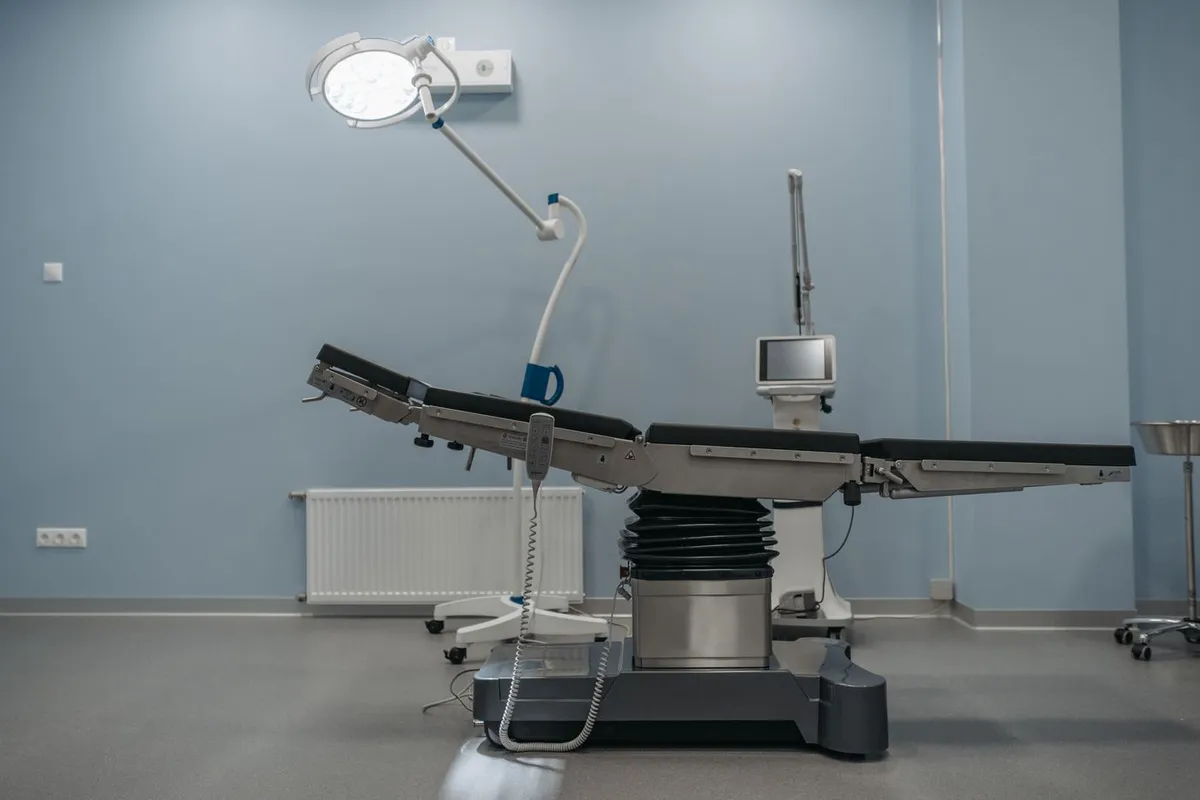
HyperCRM covers pre-op consultation, signed forms and post-op follow-up in your own rooms. It does not attempt theatre scheduling or surgical planning.
The calendar, the record, the signed forms, the imaging and the billing in one place, plus your own practice website

Day to day
From first consult to final follow-up
A patient books a consultation online from your practice website, signs the intake or consent form from a link that expires, and gets a reminder before each follow-up. Notes keep their history across pre-op and post-op visits, with who wrote each one and when.
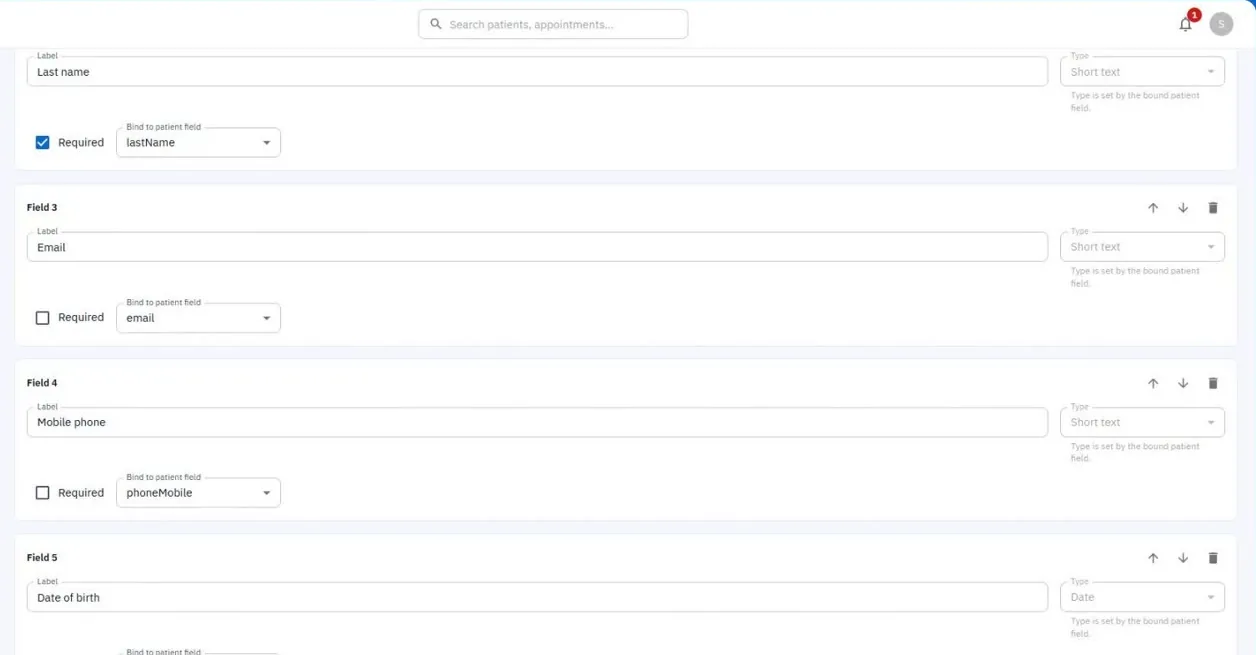
Forms built once, in your own wording
Who referred the patient, recorded on the record and counted in a list
Follow-up visits billed from your service list
Health data
Forms and surgical records, kept private
Signed forms and surgical records are health data, which the GDPR protects more strictly. Files, imaging included, sit in private storage, and only your team can open them.
Our data processing agreement and the list of companies that handle data for us are public, for your data protection officer
Clear prices. Protected records.
Every price is public
No quote and no sales call. Reception and admin seats are free.
Everyone signs in as themselves
Each person has their own login, with a fingerprint or face login if they want one. There is no shared practice password to leak.
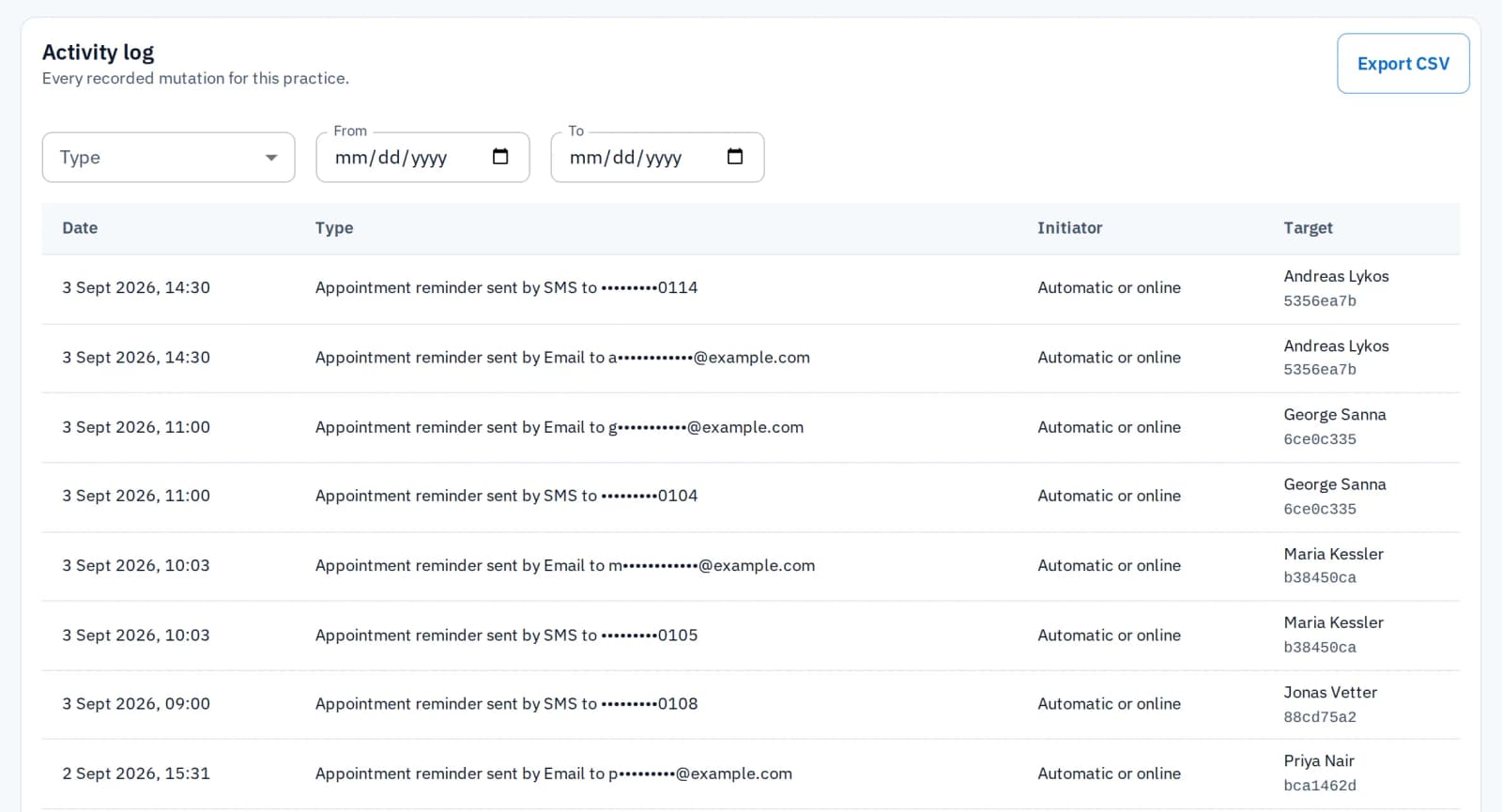
Every change is logged
See who changed something, what they changed and when. The only changes not logged are your practice settings, your HyperCRM plan and each person's own sign-in details.
Common questions
HyperCRM is paid software. Every practice starts with a 30-day free trial of the Complete plan, with no card needed. After that, Essential starts at €19 a month and Complete at €34, VAT included. The price depends on how many practitioners you have. Every price is on the pricing page, so you never need a sales call.
Patient records are encrypted, both where they are stored and on their way to your screen. Files are private, and a link to one stops working after a short time. Changes to patient records are recorded, with who made them and when. There is no shared practice password: everyone has their own account. On the Complete plan, the practice owner can also require two-step sign-in for the whole team.
Yes. The practice owner can export the patient list, the reports and the activity log to a spreadsheet file (CSV) from the app, and anyone in the practice can download its files at any time. Your practice data belongs to you, and there is no export fee or waiting period. That holds on either plan, during the trial, and after you cancel.
No. HyperCRM covers the visits before and after an operation: pre-op consultation, signed forms and post-op follow-up, with your calendar, notes and billing. It does not plan your operating lists, and there are no plans to add that. It helps you manage your practice.
No. You build your own forms in the form builder, for example intake or consent forms. Their wording depends on your practice's needs, so a ready-made template would need rewriting anyway. Once built, a form can be reused as much as you like, as it is, or changed whenever you need to.
Related reading

What a surgical practice is actually shopping for
Searching for surgical practice software returns two unrelated products. Which you need depends on where the week goes wrong: in theatre or in the clinic.
Schedule the consultation, the consent and the follow-up
See them all on one patient record. Free trial on Complete, no card, no subscription to cancel.
Start the free trial