Built around records that must stay private
HyperCRM holds clinical records, so its security model is part of the product rather than a setting you switch on. Everyone signs in to their own account, every change to a record is written to an activity log, and patient files sit in private storage that only a short-lived signed link can open.
How your records are protected
Signing in
Everyone signs in as themselves
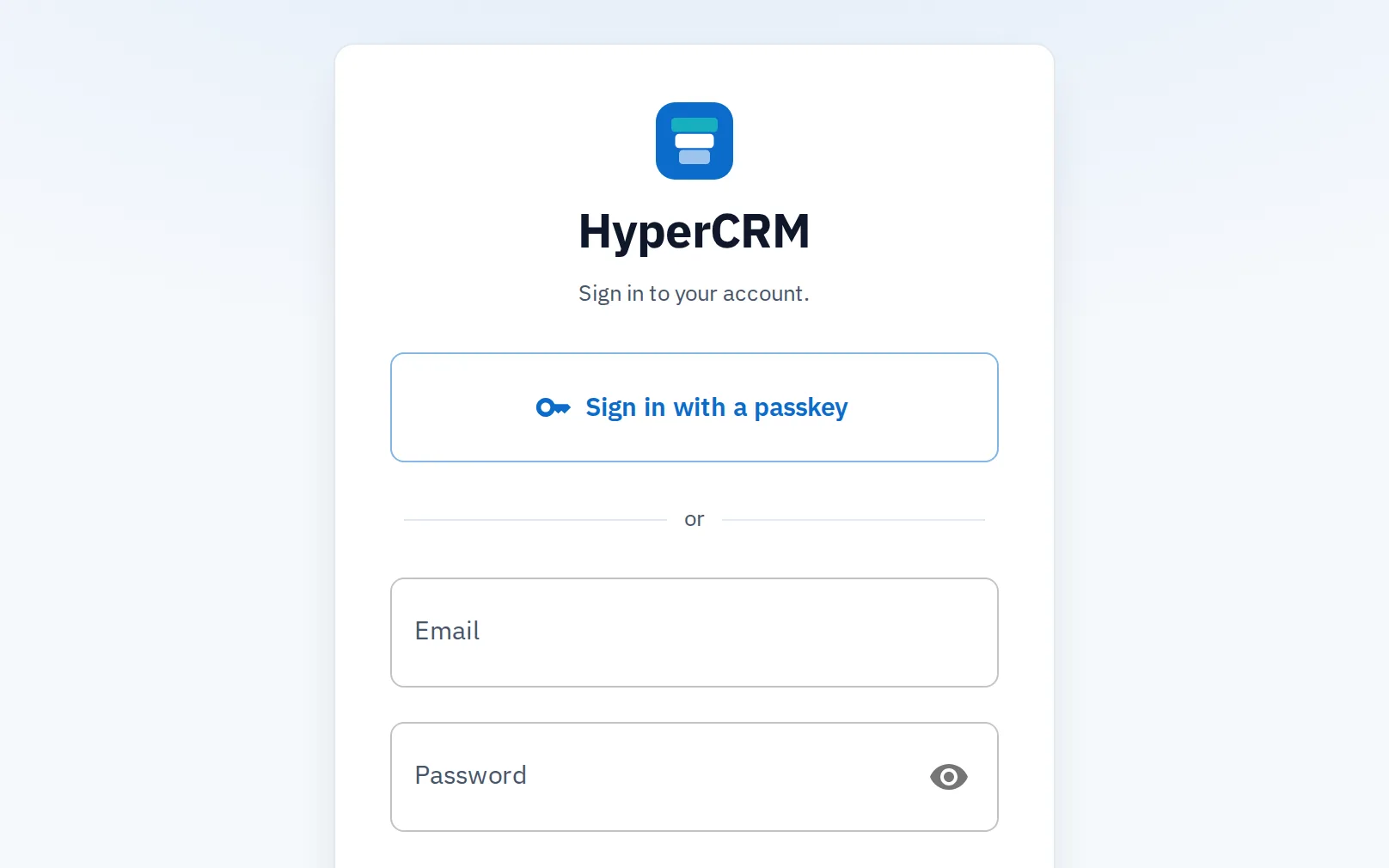
Each person uses a passkey, their own email and password, or a link emailed to them. There is no shared practice login.
Passkeys on every plan. On Complete, an owner can require one from everyone
Owners manage the practice and its team; staff work in it
Invitations are single-use and expire after 3 days
The activity log
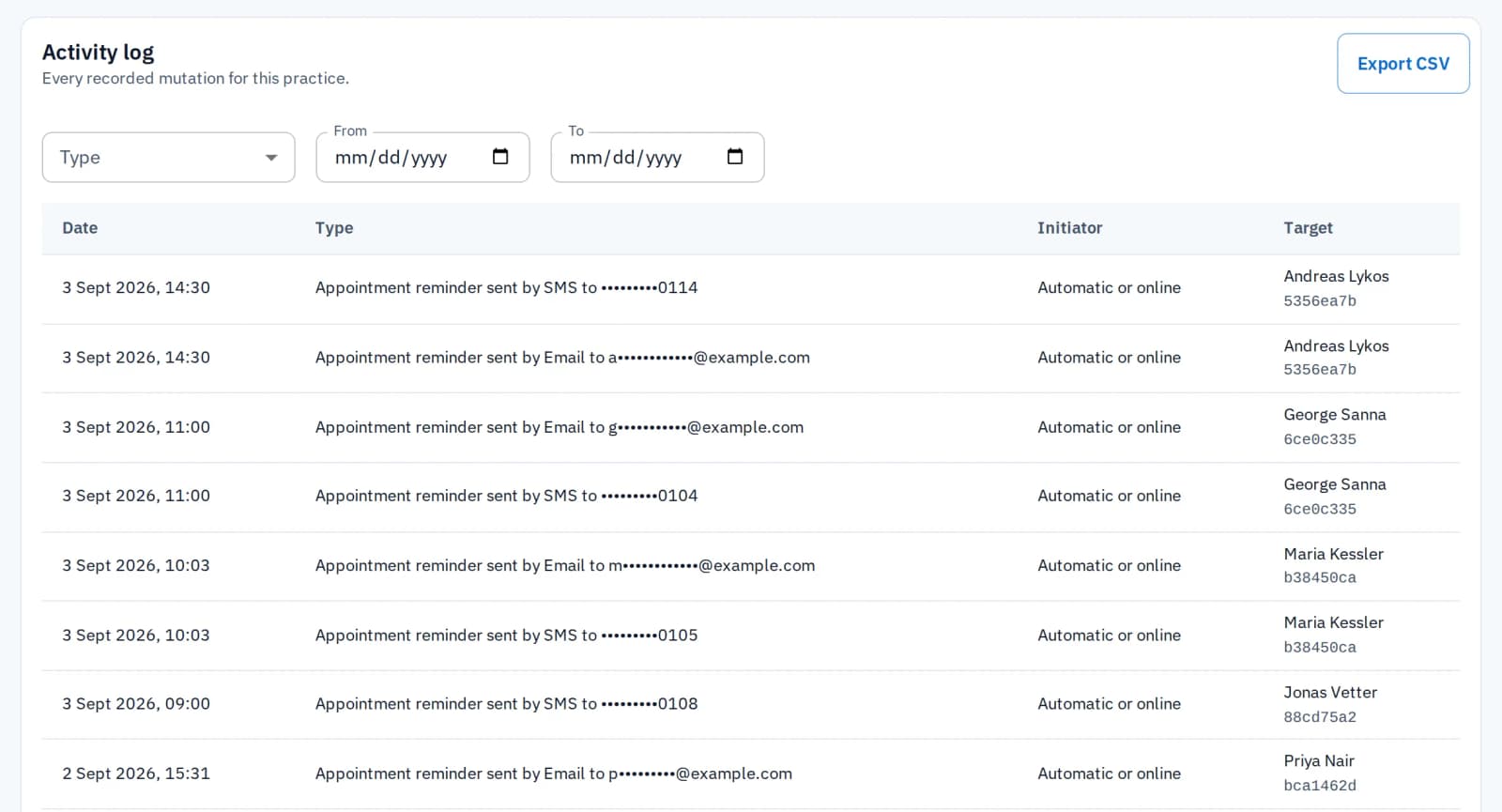
Every change has a name and a time
Every change to your records and your team writes an entry: what happened, who started it and which record it touched. An edited note or a deleted appointment can be traced months later. Only the owner sees it. Three things are not logged: your practice settings, your HyperCRM plan and each person's own sign-in details.
Essential shows the last 12 months; Complete shows the full history
Changing plan never deletes an entry: older ones reappear when you move to Complete
What is public
Files stay private, public pages stay guarded
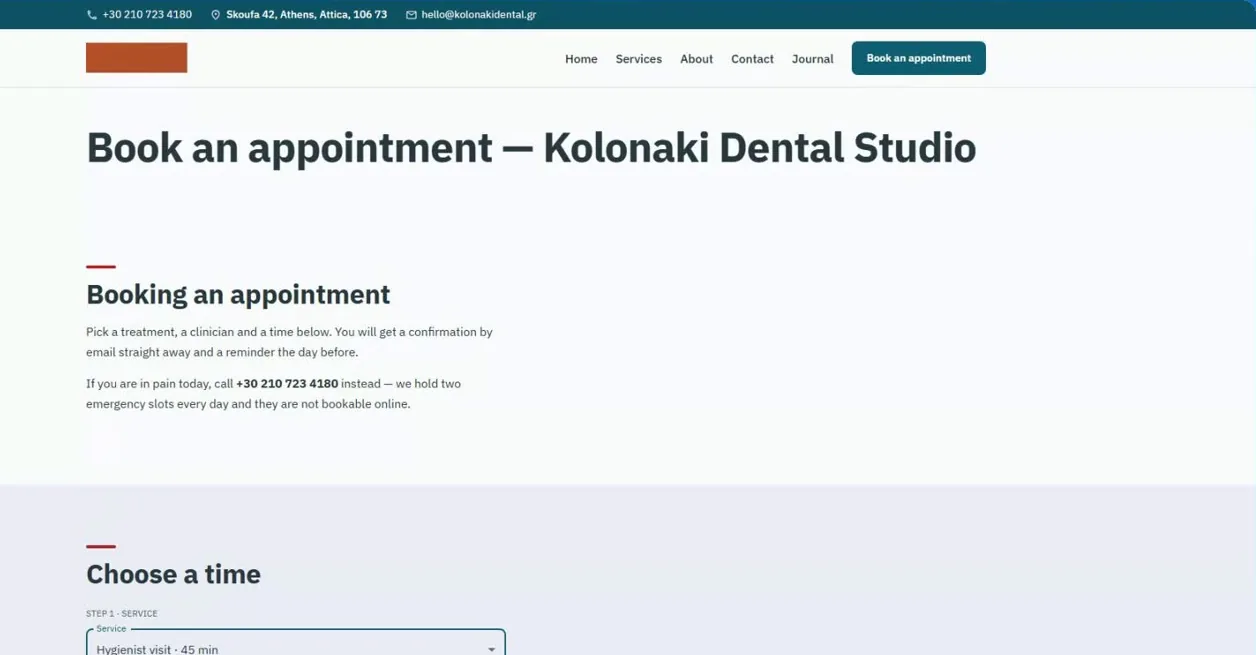
Booking pages and form links open without a sign-in, so patients can use them. Records are encrypted in transit and at rest, and patient files sit in private storage, served only through signed links that expire.
Limits on repeated requests protect the app and its public pages
Form links work once and expire after 3 days
Getting your data out
Your data leaves whenever you ask
The practice owner can export your patient list, reports and activity log to CSV from inside the app, and every file downloads. There is no export fee and no waiting period.
Read the cancellation terms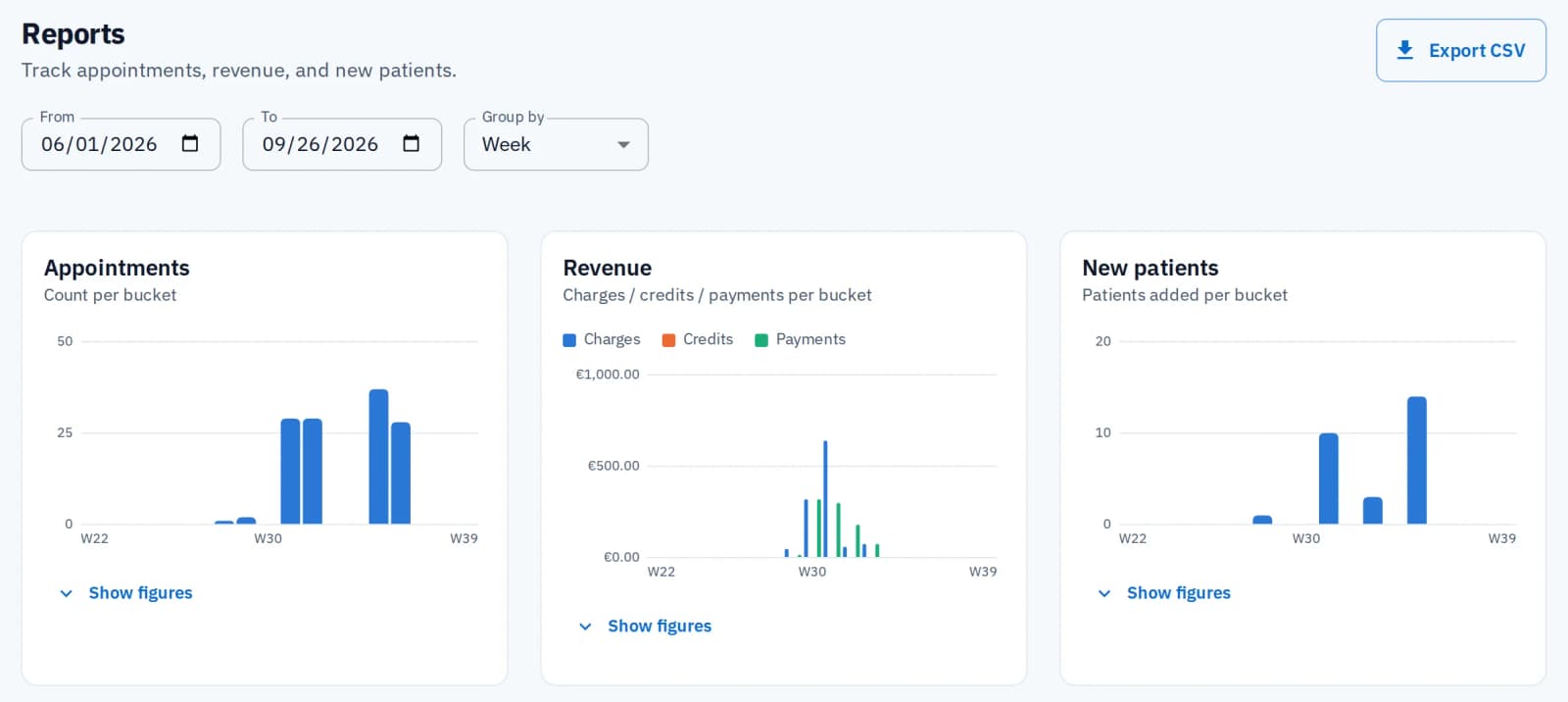
Common questions
Only what you already have, and only when you ask. The assistant runs as you, with your own role's permissions. By default it shows what it will change and waits for your yes. You can let it make small edits without asking, but deletions, bookings, emails and texts always need your confirmation. It never talks to your patients, unless you use the phone assistant. If you connect your own AI tool, it gets the same permissions.
Yes. Our Data Processing Agreement is written to track GDPR Article 28, with your practice as the controller and us as the processor. The companies that process data on our behalf are listed on the sub-processors page. For a countersigned copy for your compliance file, write to us.
Nothing is deleted. Cancelling ends the billing, and the account becomes read-only at the end of the period you paid for: every record stays readable, every list exports and every file downloads, for as long as you want. Only closing the account starts a 30-day deletion clock.
Questions your compliance file needs answered
Ask whatever it needs. We would rather take the awkward question early than have you guess.
Ask us directly