Reminders that send themselves
An email and/or text message (SMS) reminder goes out at a pre-set time, for example the day before the appointment. When a visit is booked, the patient also gets a calendar invite.
How reminders work
Email and text
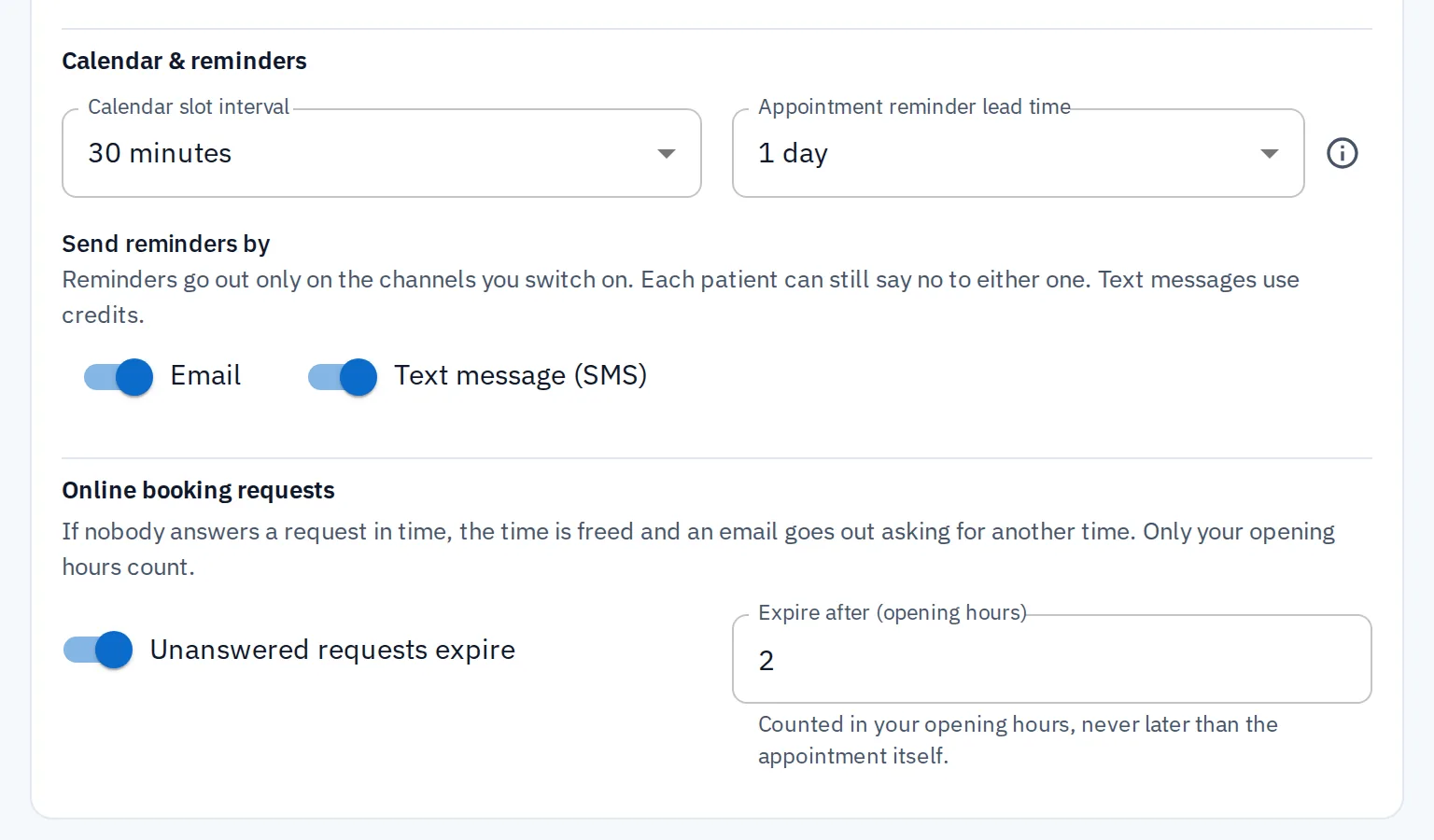
Email, text or both. You choose what you offer.
Choose how reminders are sent in your practice's settings.
Email is free on every plan
Text messages use credits and reach 75 countries, including the whole EU, the EEA and the UK
When you offer both, patients can choose how, and whether, they get reminders
Calendar invite
The invite arrives with the booking
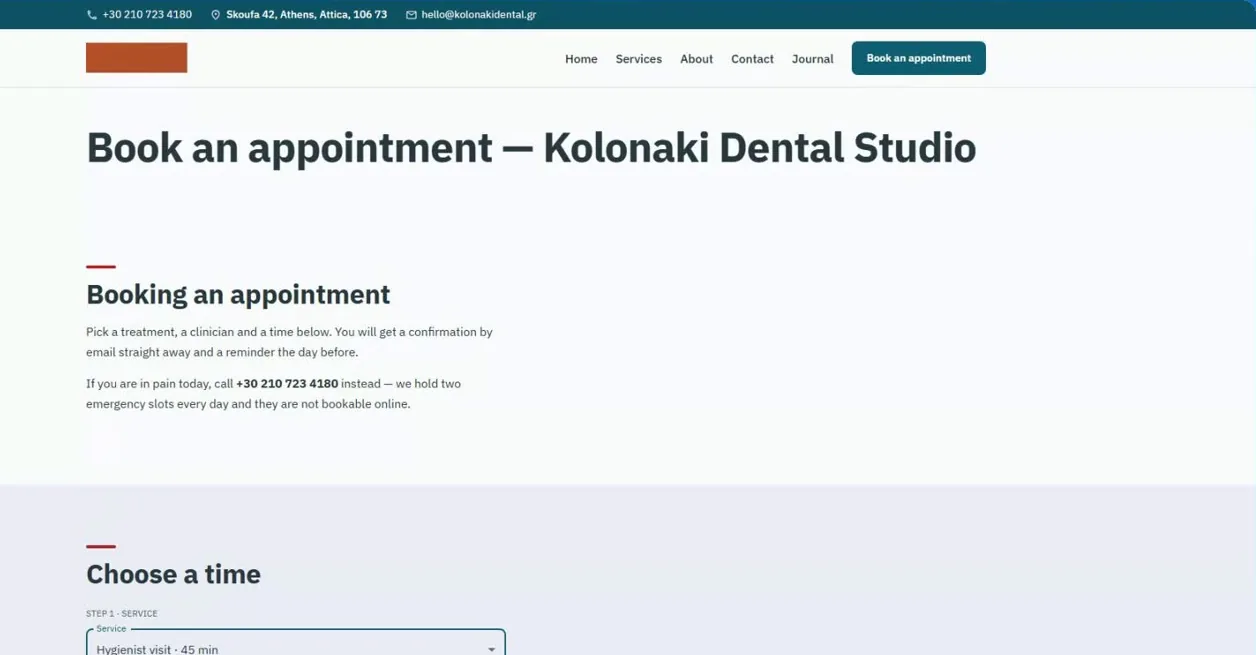
When a visit is booked, or an online request is accepted, the patient gets a confirmation email with a calendar invite. They can add it to their own calendar with one tap. Only patients with an email address get the invite and these emails.
Move the visit, and their calendar entry moves too
Cancel it, and the entry is removed
Patients get an email whenever the time changes or their visit is cancelled
Timing
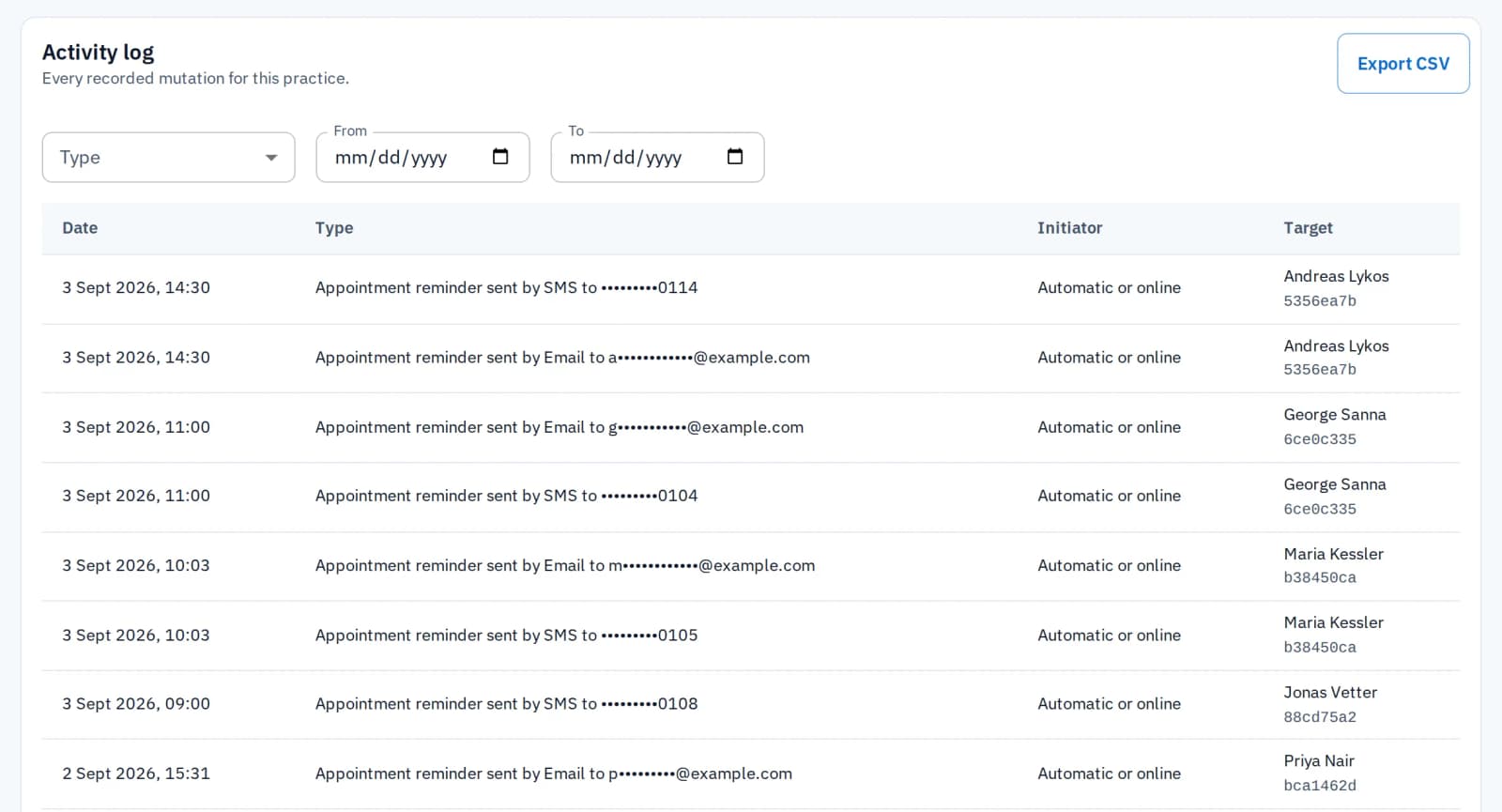
Sent at your pre-set time, automatically
Choose once, in your practice's settings, how long before the visit reminders go out. Nobody has to remember to send them.
Patient preferences
Each patient decides how to be reached
Reminders follow each patient's own preferences, within the options your practice offers. They start off. Every confirmation email has a link where the patient turns them on or off. You can also change them in the patient's record.
More about patient records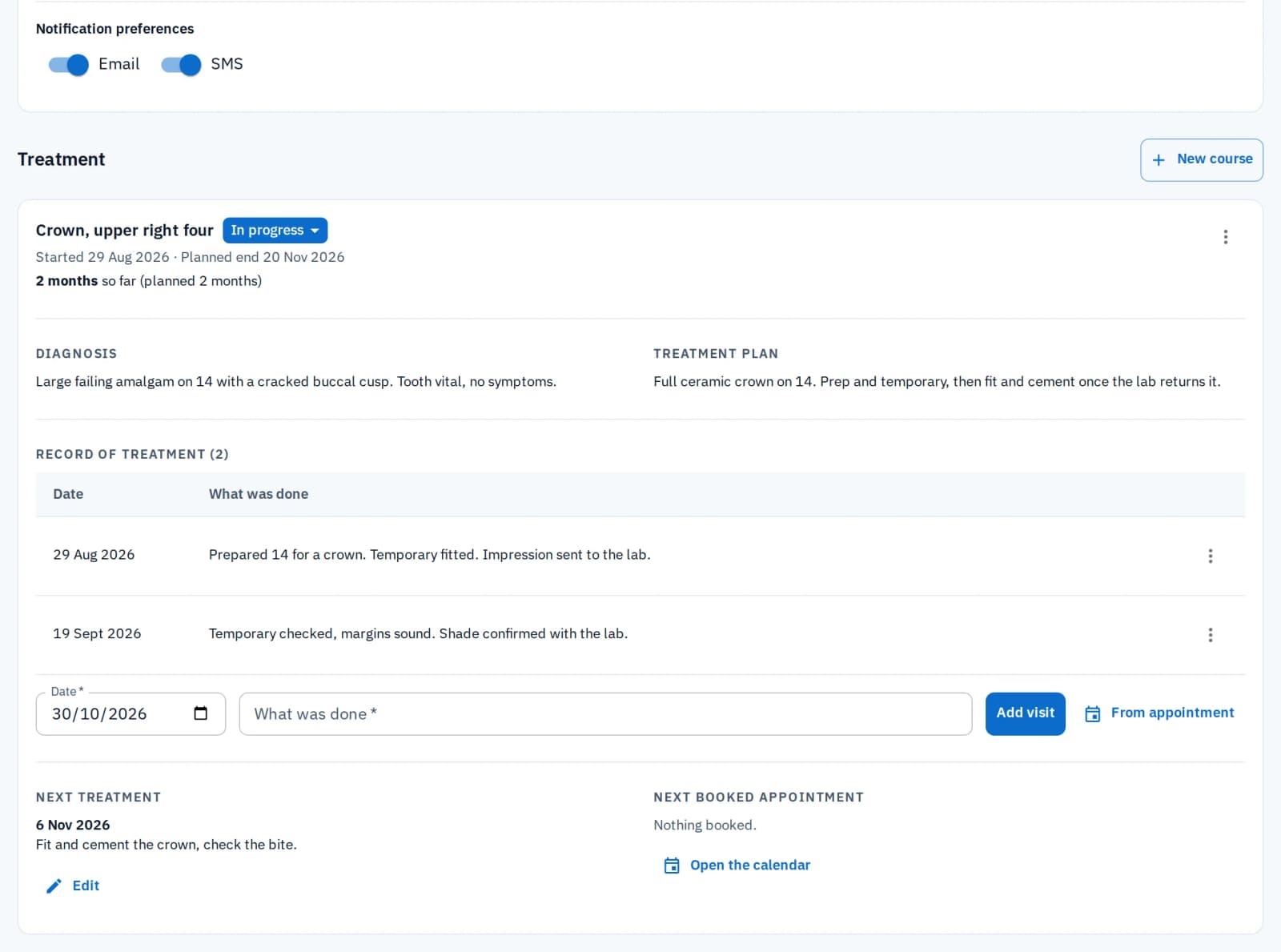
Watch: Online booking and reminders
Appointments that book and remind themselves.
Related features
Scheduling
Patients get a reminder for every appointment on the calendar, if they've agreed to it. Move the appointment, and the reminder moves with it.
Online booking
A new patient who books online can ask for reminders on the booking page. Any patient can also turn them on from the link in the confirmation email. Once you confirm the booking, its reminder is set.
Patient records
Each patient's reminder preferences and consent are saved in their record. Reminders go out by themselves to those who agreed. You can check or change them there at any time.
Common questions
HyperCRM is paid software. Every practice starts with a 30-day free trial of the Complete plan, with no card needed. After that, Essential starts at €19 a month and Complete at €34, VAT included. The price depends on how many practitioners you have. Every price is on the pricing page, so you never need a sales call.
Patient records are encrypted, both where they are stored and on their way to your screen. Files are private, and a link to one stops working after a short time. Changes to patient records are recorded, with who made them and when. There is no shared practice password: everyone has their own account. On the Complete plan, the practice owner can also require two-step sign-in for the whole team.
No. In your practice's settings, email and text message (SMS) are both on from the start. You can turn either off, or both if you do not want reminders. Each patient still has to agree first. They can turn reminders on, or stop them, from the link in their confirmation email.
You set the timing once in your practice's settings, for example 24 hours before the visit. If a visit is booked closer than that, the reminder goes out right away, as soon as the booking is made or accepted.
More in Front desk
Related reading

Deposits and cancellation fees in a small practice
When a deposit or cancellation fee cuts no-shows in a small practice, when it only annoys the patients who always turn up, and how to write a fair policy.

Reducing appointment no-shows in a small practice
Why patients miss appointments and what actually helps a small practice reduce it: better-timed reminders, easy rescheduling, and shorter lead times.
Calendar invites and reminders, without the extra work
Try it in your own practice and see fewer missed appointments. Free trial on Complete, no card, no subscription to cancel.
Start the free trial