Ask for the work instead of clicking through to it
The HyperCRM assistant is built into your dashboard. Ask it to find a patient, move an appointment, add a charge or explain how something works. It does the work in the app exactly as you would. By default, it asks for confirmation before it changes anything.
How it behaves
Permissions
It works inside your permissions, not around them
The assistant runs as you: your practice, your role, your rules. It can do only what you can do yourself.
Someone at reception cannot use it to do the owner's tasks or to see owner's data
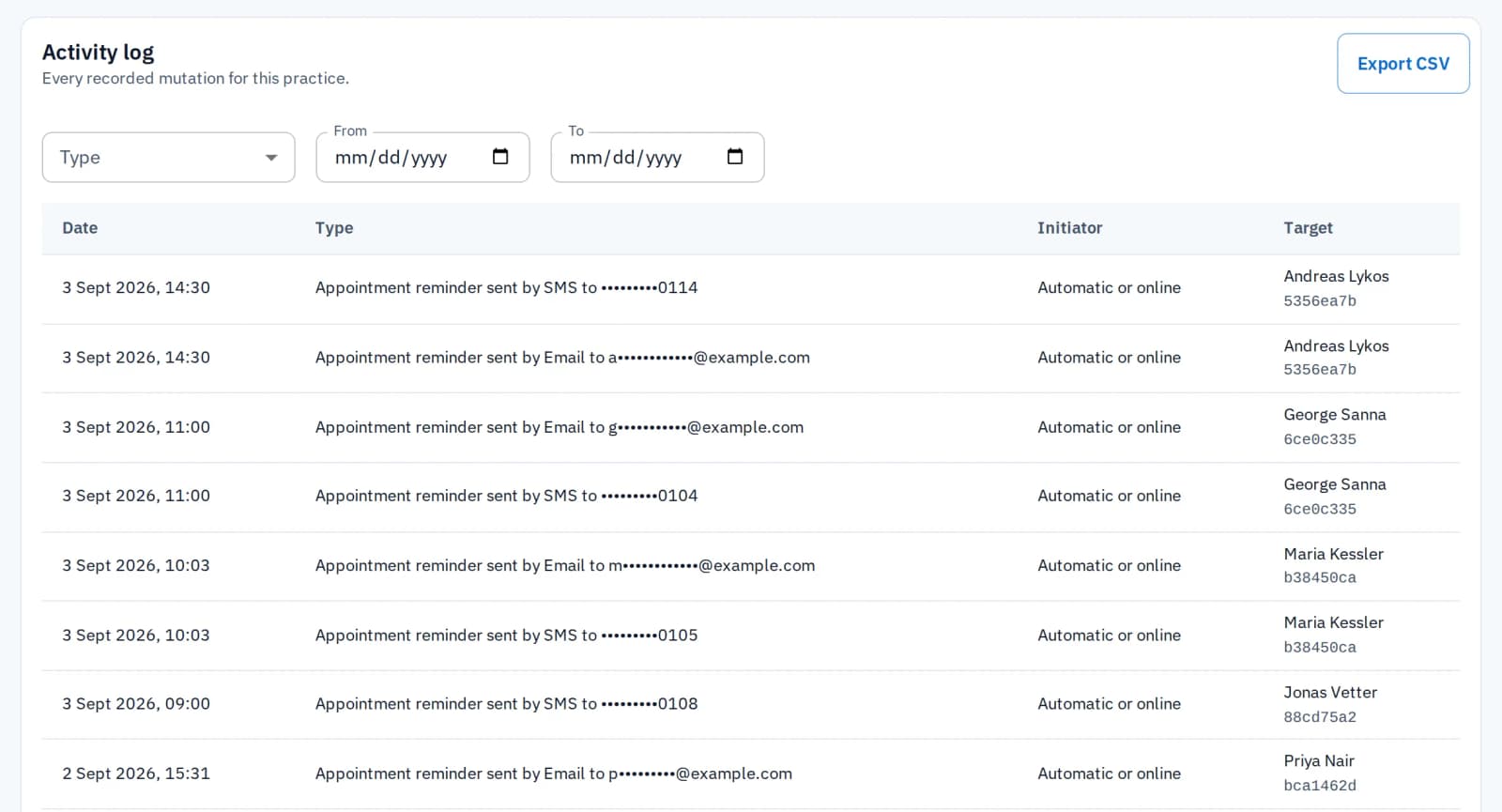
Every change to a record is logged under the name of the person who asked for it, with the date and time
Confirmation
Nothing is written until you say so
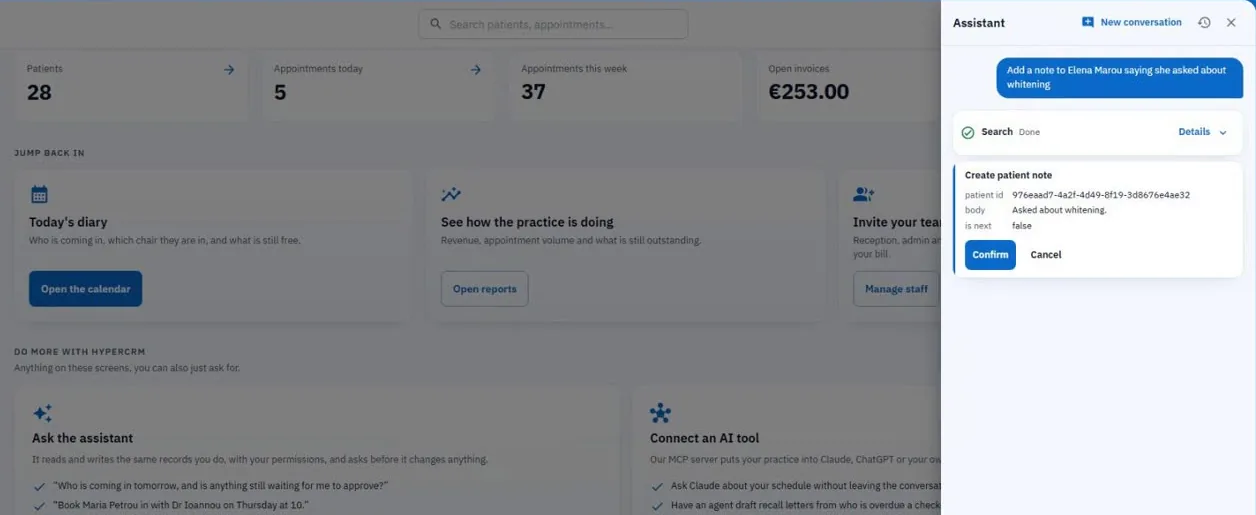
Looking something up happens at once. By default, anything that changes a record first shows you the exact change, and waits for you to press Confirm.
You can switch confirmations off for small, everyday edits
Deletions, bookings, billing, and anything that emails or texts a patient or goes public always need your confirmation
Accuracy
It checks the record before it answers
Asked about a patient, the assistant searches and reads the record before it answers or acts. It names the patient back to you, so you can be sure it understood.
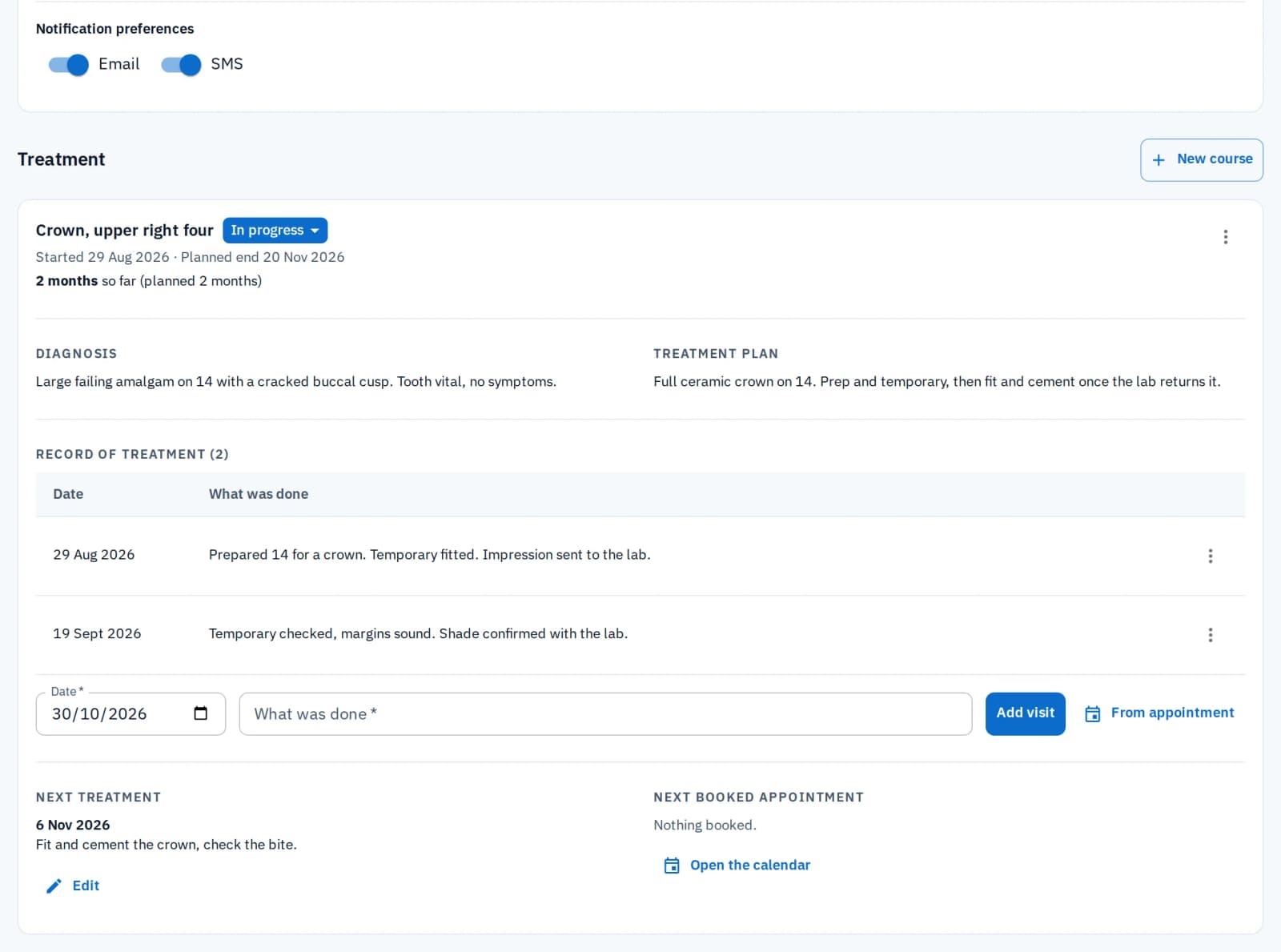
The assistant knows the record you have open, so you can ask directly what you need from it
Missed something in your request? It notices and asks you for it
Behind sign-in
For your team only
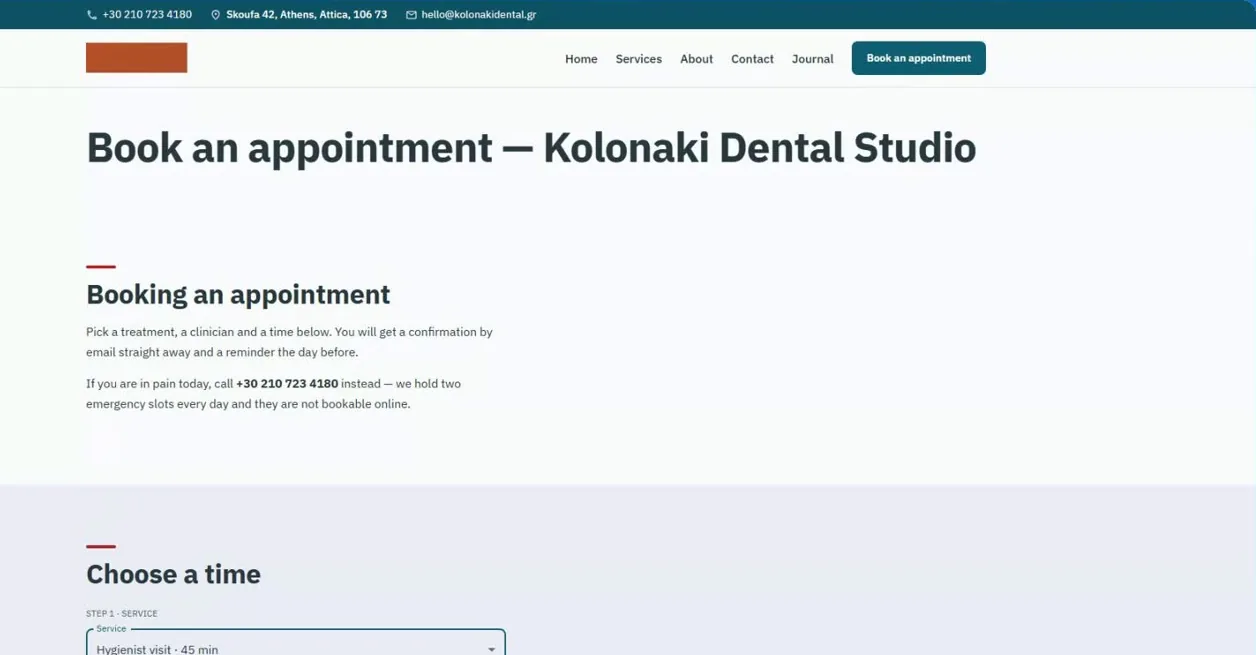
The assistant's chat lives in the app you and your team use. It is not on your booking page, your practice website or this one, so patients cannot talk to it.
It acts only when someone on your team asks
Anyone on your team can use it, from reception to the owner
What you can ask
The assistant reaches the same parts of HyperCRM as the person asking. As the owner, you can ask for anything. Your team can ask only for what their role allows.
Find anyone, anything
Search patients, appointments and your team by name or phone number, even with a misspelled name. The record is read back to you, without leaving the screen you are on.
Book and reschedule
Check availability, book, move or cancel an appointment. Ask for "next Tuesday afternoon" and it finds a real free time. It shows you the date, time and details, and books only when you confirm.
Keep records current
Add a clinical note, change a patient's status, correct a phone number or update a reminder preference. In a dental practice, it also updates the dental and gum chart. It works on the patient you name, or the one already open.
Charges and payments
Add a charge, a payment or a credit for a visit, then email the receipt to the patient before they leave. Ask who owes the practice money, and since when.
Forms and files
Send a patient an intake form, ask about something they submitted, open a file on a record or delete one.
Your practice website
An owner can ask for a section rewritten, an FAQ added or a team member's profile updated on the practice site, without opening the site editor.
Numbers, on request
Anyone on the team can ask for today's numbers: appointments, unpaid balances and recent activity. Owners can also ask for the appointment, revenue and new-patient reports, and for the history of every record change.
How HyperCRM works
Ask how availability is worked out, or how to export your patient list. It searches the help guides on this site and answers from what it finds.
In your words
It uses your practice's own vocabulary. A dental practice has chairs, others have rooms. A medical practice has patients, an aesthetic clinic has clients. It replies in English or Greek, always matching the language you use.
Watch: The AI assistant
Ask your practice a question, in any screen.
What it costs
One credit per message, from the same balance as your SMS reminders. So it costs nothing on the days nobody uses it. Complete includes 40 credits per practitioner each month. Essential includes 30 a month for the whole practice, enough to try it. You can always buy more credits in the app.
Who can ask for what
The assistant follows your role, so this is the same split your screens already use.
| Area | Everyone on the team | Owners only |
|---|---|---|
| Patients | Search, read, create and update; notes, tags, and the dental and gum chart | No |
| Appointments | Availability, booking, rescheduling, cancelling | No |
| Billing | Charges, credits, receipts, invoices and who owes what | All charges and payments |
| Forms | Read a form, read the answers, send a form to a patient | Building and changing forms |
| Files | Open and delete a patient's files | No |
| Services & chairs | Read the list of services; create tags | Editing services and chairs |
| Reports | Dashboard key numbers | Appointment, revenue and acquisition reports, and the history of every record change |
| Practice & team | Read the practice; update your own profile | Practice settings, staff and invitations |
| Practice website | Read the pages and team list | Editing and publishing |
Related features
Scheduling
Ask for a time in your own words. The assistant finds a real free time and books it on your calendar once you confirm.
Patient records
The assistant reads and updates the same patient record you work in every day, and asks before it changes anything.
Phone assistant
This assistant helps your team inside the app. The phone assistant answers your patients' calls and books them.
Common questions
HyperCRM is paid software. Every practice starts with a 30-day free trial of the Complete plan, with no card needed. After that, Essential starts at €19 a month and Complete at €34, VAT included. The price depends on how many practitioners you have. Every price is on the pricing page, so you never need a sales call.
Patient records are encrypted, both where they are stored and on their way to your screen. Files are private, and a link to one stops working after a short time. Changes to patient records are recorded, with who made them and when. There is no shared practice password: everyone has their own account. On the Complete plan, the practice owner can also require two-step sign-in for the whole team.
What you type, and the records the assistant reads or writes in order to answer, go to OpenAI to produce the reply. That can include patient details, appointments, notes and invoices. None of it is used to train models, and our sub-processors page sets out the arrangement in full.
It can, like anything built on AI. That is why the confirmation card shows the exact values it will use: treat it as the moment to check them, not a formality.
More in Front desk
Related reading

What an AI assistant should be allowed to do in your practice
What an AI assistant should and should not do near patient records: act as you, show each change first, read before it acts, and never answer clinically.
An assistant who knows your practice
Let our assistant help yours. Free trial on Complete, no card, no subscription to cancel.
Start the free trial